
In April 2025, Instagram Edits racked up 7.1 million downloads in a single week, including 5.9 million on Android and 1.2 million on iOS — 37 times more than CapCut in its first two days on iOS (TechCrunch, Appfigures data, 2025). A year later, Meta's editing app has evolved considerably. Loudness Match, hundreds of new sound effects, custom audio import, a desktop version in the works: Edits is now targeting marketing teams as much as solo creators. This guide breaks down what's new, compares Edits to CapCut and InShot for brand use, and lays out a concrete workflow for producing Reels that convert.
Key takeaways
- Instagram Edits passed 7.1 million downloads in its first week alone, a launch far bigger than CapCut's (TechCrunch, 2025).
- Loudness Match, 200+ sound effects, and custom audio import are the main additions confirmed by mid-2026.
- Meta has announced a desktop version with an AI assistant, with no confirmed release date so far.
- Content produced with Edits reportedly gets a 10% higher save rate than the rest of Reels, according to Meta.
- Edits, CapCut, and InShot serve different needs depending on team size and the level of brand control you're after.

What is Instagram Edits, and why is Meta betting on it?
Instagram Edits is Meta's native video editing app, launched in April 2025 to compete directly with CapCut on Reels turf. The bet paid off: at its US launch, Edits started out 112 times stronger than CapCut did at its own US launch — a gap far wider than the 2-day iOS comparison cited in the intro (37x), both figures coming from the same source (TechCrunch, Appfigures data, 2025).
This success is no accident. Reels have surpassed an annualized run rate of over $50 billion in ad revenue, according to a statement from Mark Zuckerberg during Meta's Q3 2025 earnings call (Tubefilter, 2025). Every minute spent creating and watching Reels feeds directly into that revenue figure.
Short-form video also dominates marketing priorities. 60% of marketers cite it as the most-used content format, and 49% believe it delivers the best return on investment of any format (HubSpot, State of Marketing Report 2026). By building editing directly into the app, Meta cuts the friction between idea and publication — a factor that matters when it comes to understanding how the Instagram algorithm works in 2026 and its preference for native content.
Why this strategic choice? Keeping creators inside the Meta ecosystem from start to finish limits exports to third-party apps, and with it, dependence on CapCut or InShot to produce native Instagram content.
This vertical integration logic isn't unique to Instagram. TikTok followed the same path with CapCut, which it acquired and then deeply embedded into its ad ecosystem. Meta is replicating that playbook with a delay, but with the advantage of an already-massive ad base to build Edits on top of.

What's new in Instagram Edits for 2026 (Loudness Match, sound effects, audio import)?
Meta added four major features to Edits during 2026: Loudness Match, which automatically balances volume across clips, voiceover, and music; more than 200 new sound effects; custom audio import with a reusable library; and a font search engine (The Reelstars, 2026).
Loudness Match solves a recurring mobile-editing problem. One clip shot outdoors, a second shot indoors, a voiceover recorded in a quiet room: without normalization, the volume gap breaks the listening experience. The feature adjusts each track automatically, with no manual tweaking required.
The 200+ sound effects cover transitions, notifications, ambient sounds, and comedic emphasis. Combined with custom audio import and a reusable library, they let you build a consistent sound identity from one Reel to the next — an asset for brands that post several times a week.
The font search rounds it out. Instead of scrolling through dozens of styles, you can type the name or look you're after directly. This information comes from a specialized media outlet and was cross-checked by a second independent report giving similar details, in the absence of a primary official announcement from Meta at the time of writing.
To go further on putting these tools to work in a content strategy, our guide on how to create viral Reels that boost engagement breaks down the formats that work once editing is done.
In practice, these additions mainly cut down on the back-and-forth between apps. Before Loudness Match, evening out the sound on a Reel shot across several days and locations often meant a trip through a dedicated third-party audio app, just for that one adjustment.

Instagram Edits vs CapCut vs InShot: which tool should a brand choose?
For a brand publishing as a team, Edits wins on native integration and direct publishing, CapCut remains more complete in effects and extensions, and InShot appeals through sheer simplicity. Edits content reportedly gets a 10% higher save rate and a 2% higher reshare rate than the rest of Reels, according to Meta (TechCrunch, 2026).
Edits publishes straight to Instagram with no intermediate export — a real time-saver for teams managing several accounts. More than half of Reels viewers reportedly see content made with the app every day, again according to Meta (TechCrunch, 2026). CapCut, for its part, offers a wider catalog of effects and templates, useful for content meant for multiple platforms at once.
InShot remains relevant for small teams who want to get up and running fast, with no learning curve. Its effects library is more limited, but the interface suits a community manager handling several formats alone on a daily basis.
| Criterion | Instagram Edits | CapCut | InShot |
|---|---|---|---|
| Native Instagram publishing | Direct, no export | Export required | Export required |
| Effects and templates catalog | Growing fast | Widest of the three | Limited |
| Learning curve | Medium | Higher | Low |
| Multi-platform use (TikTok, YouTube Shorts) | Not built for it | Strong | Decent |
| Recommended profile | Team publishing mainly on Instagram | Multi-network team | Solo or small team |
This table is a starting point, not an absolute rule. An agency reposting its Reels to TikTok and YouTube Shorts will save time with CapCut, even though Edits remains the fastest tool for pure Instagram publishing.
In our experience, brands that test Edits on two or three Reels before switching over their entire production save time on the learning curve, without sacrificing the account's visual consistency.
To structure this switch at the team level, dedicated Instagram management support, like the services offered by Propulse, helps keep a consistent editorial line during the tool transition.
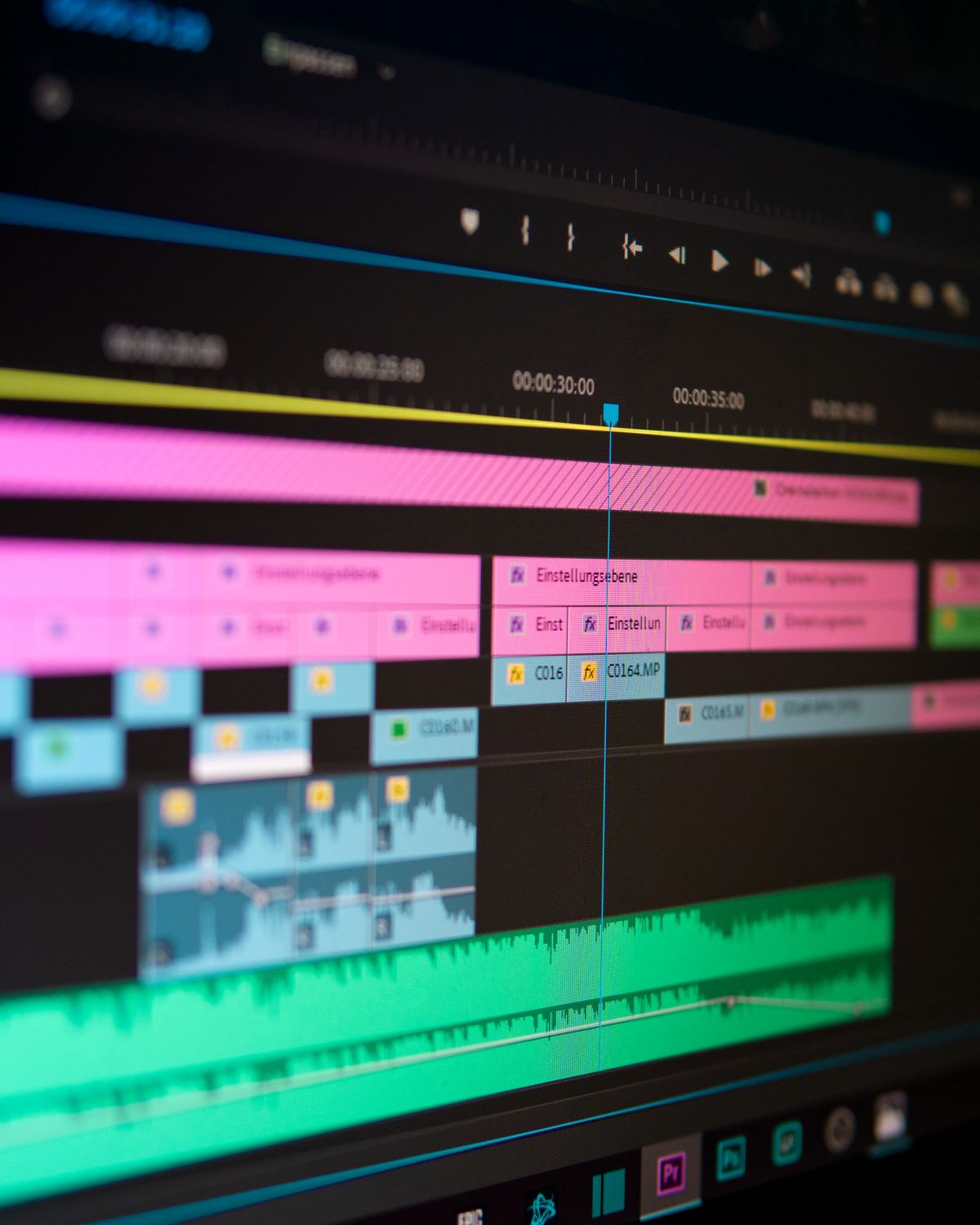
How do you edit a Reel step by step with Instagram Edits?
Editing a Reel with Edits follows a six-step sequence, from raw clip to native publication. Out of the 7.1 million downloads recorded in the first week alone (TechCrunch, 2025), most follow this same standard flow.
Preparation and importing raw footage
Import works just as well with videos shot directly in the app as with footage already on your phone. Edits reportedly lets you export in 4K at 60 frames per second with no watermark, based on public information available about the app — a quality level good enough for use beyond Instagram.
For a team, this step is worth standardizing: naming raw footage by date and campaign before import saves time hunting for the right clip once you're inside the editing interface, especially on accounts publishing several Reels a week.
Editing, sound, and effects
Cutting comes before the audio stage: this is the moment to turn on Loudness Match before adding music and voiceover, not after. Next come sound effects, on-screen text, and font choice via the new search engine.
The order matters more than it seems. Adding music before you've stabilized voice volume often forces a full readjustment, whereas running Loudness Match upfront locks in a clean sound base for the rest of the edit.
Preview and native publishing
The preview lets you check overall pacing before publishing. Unlike exporting to a third-party app, Edits publishes straight into the Reels feed, with no intermediate step and no quality loss from export compression.
This final step also covers the caption, hashtags, and cover selection. For a team managing several accounts, locking in a caption template before publishing avoids tonal inconsistencies from one Reel to the next.
Edits desktop version: what changes for marketing teams?
Meta unveiled a desktop version of Edits along with an AI assistant at a creator event in Los Angeles in June 2026, with a rollout described as "coming soon" but no precise date announced (TechCrunch, 2026).
For a marketing team, a desktop version would change the game on three fronts: keyboard-and-mouse editing precision, the ability to work on several Reels in parallel, and easier collaboration between community manager and designer. These benefits, however, remain to be confirmed once the tool is actually available.
The AI assistant announced alongside it is meant, according to early communications, to speed up certain repetitive editing tasks. No precise technical detail has been shared about exactly how it will work, nor about a firm release timeline.
While waiting for this desktop version, teams managing several accounts would do well to document their mobile editing templates now. That will make transferring those habits over easier when the time comes, instead of starting from scratch.
For an agency producing Reels for multiple clients, the wait isn't neutral. Mobile editing remains, for now, the only path available to publish natively to Instagram with Edits, which limits how work can be split across several people on the same project.

What are the best practices for Reels that convert with Edits?
A Reel edited with Edits reportedly gets a save rate 10% higher and a reshare rate 2% higher than the Reels average, according to Meta (TechCrunch, 2026). That gain only shows up if the edit respects a few basic rules: pacing, text readability, and sound consistency.
Three practices stand out from real-world feedback. Turning on Loudness Match from the very first clip, rather than as a last step, avoids redoing the entire sound mix afterward. Planning on-screen text for the first 3 seconds, the moment where retention is really decided. Limiting sound effects to two or three per Reel, so as not to overload viewer attention.
Does a well-edited Reel without a clear narrative structure still perform? Rarely. Editing doesn't replace a script designed to hold attention from the very first second, before the first sound effect even plays.
Finally, publishing consistently matters just as much as the individual quality of any one Reel. An account that alternates between active weeks and long silences loses visibility, regardless of how well-edited its Reels are with Edits.
Testing two versions of the same Reel, with a slightly different edit on the first three seconds, remains one of the most reliable ways to find out what actually holds your audience. Meta's built-in tools make this kind of comparison easy directly from account insights, with no need for an external spreadsheet.
FAQ
Is Instagram Edits free?
Yes, Instagram Edits is a free app from Meta, available on iOS and Android since April 2025. It racked up 7.1 million downloads in its first week alone (TechCrunch, 2025), with no subscription cost or paid premium tier to date.
When will the desktop version of Edits be available?
Meta hasn't communicated a precise date. The company presented the desktop version as "coming soon" at a creator event in June 2026 (TechCrunch, 2026), with no confirmed rollout timeline so far.
Can Edits replace CapCut for a brand?
It depends on your needs. Edits wins on native Instagram integration and direct publishing, while CapCut retains a wider effects catalog, useful for multi-platform content beyond Reels.
What is Loudness Match in Edits?
Loudness Match is a feature that automatically balances volume across a Reel's different clips, music, and voiceover, announced by Meta during 2026 (The Reelstars, 2026).
How many sound effects does Edits offer?
More than 200 new sound effects have been added to Edits, alongside custom audio import and a reusable library (The Reelstars, 2026).
How Propulse helps you put all of this into practice
Editing Reels with Edits improves the individual quality of each video, but it doesn't solve the question of consistency or long-term account strategy. That's where structured support makes the difference.
- Content strategy tailored to the Instagram algorithm and the Reels format
- Automated organic growth for the account (targeting, daily engagement)
- Automated DM prospecting to turn your audience into qualified leads
- Performance tracking and ongoing adjustment of your editorial line
- Dedicated support for agencies and multi-account brands
A good edit grabs attention for three seconds. An account strategy holds it for months, with a publishing rhythm you actually keep and prospecting that turns views into real conversations.
Our clients gain an average of several hundred qualified followers per month, spending no more than a few minutes a day on it. Discover Propulse's services to structure your Instagram growth, or check out our pricing directly to pick the plan that fits your account.